Guides
3 cozy PC games for a quiet weekend
For a quiet weekend on PC, start with A Short Hike if you want to wander, TOEM if you want to look for photo opportunities, or Unpacking if you want to arrange a home. Each gives you a different activity to settle into.
By Cartridge · Published · Updated
A guide by Cartridge. Sources and methodology.
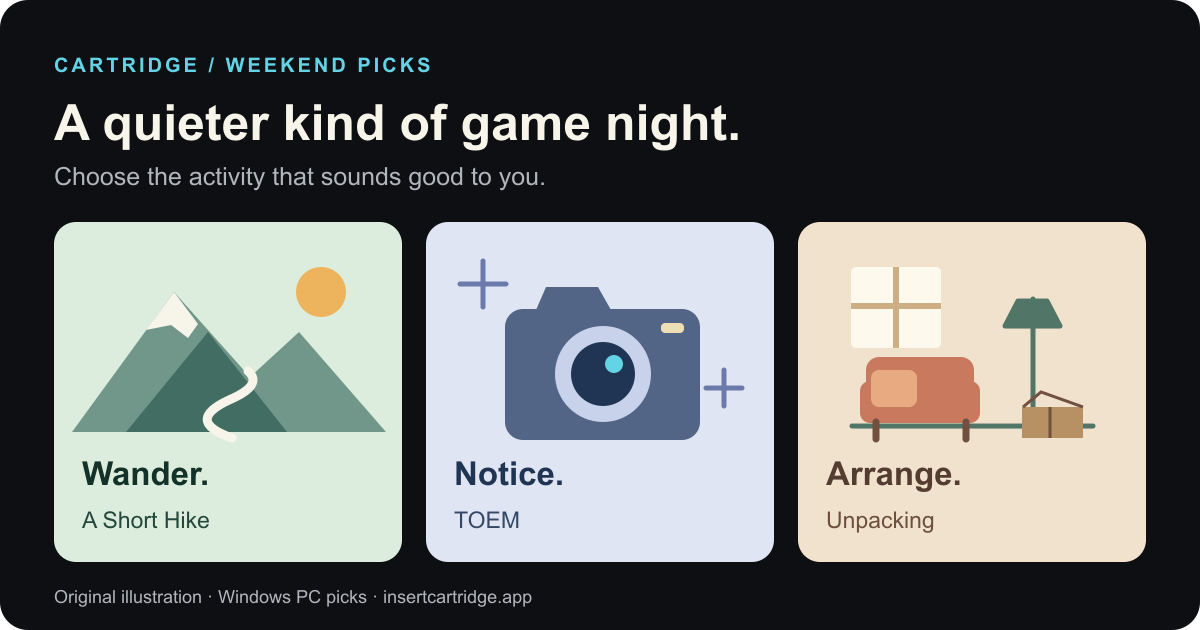
Pick the activity you want
Wander
A Short Hike
Choose a trail, explore off the path and work your way towards a mountain summit. A good starting point when movement and curiosity sound inviting.
Notice
TOEM
Use a camera to solve puzzles and help people in a hand-drawn world. Choose it when you want to look closely and have a small task to follow.
Arrange
Unpacking
Take possessions out of boxes and find places for them across a series of house moves. Choose it when making a room feel settled sounds satisfying.
A Short Hike: follow your curiosity
A Short Hike puts you in Hawk Peak Provincial Park, with a summit to reach and room to explore along the way. The developer describes hiking, climbing and soaring, with other hikers to meet and treasures to find.
That makes it our pick for a weekend when you want a destination without planning every step. Start with the trail, then let something catch your attention. If you would rather have a puzzle to solve than decide where to go, look at TOEM next.
TOEM: look for a reason to take a picture
TOEM builds its adventure around photography. Its developer describes a journey through Scandinavian-inspired places, meeting characters and using the camera to help with their problems.
Choose it when you want your wandering to have a question attached: what should I notice, and what picture would help here? The camera gives you a different reason to explore from A Short Hike’s climb. If you want to arrange things rather than search for them, Unpacking is the closer fit.
Unpacking: make a place for things
Unpacking mixes fitting objects into rooms with learning about a person through what they own. The official site describes eight house moves, with no timers, meters or scores.
It is our pick when a contained space sounds more appealing than a landscape. Your next decision is where an object belongs. If placement rules get in the way of decorating, the game also has an option that lets you put items anywhere.
Which one fits your weekend?
| Game | Main activity | Our reason to pick it |
|---|---|---|
| A Short Hike | Hike, climb and explore | You want to choose where to wander |
| TOEM | Take photos and solve puzzles | You want a reason to look closely |
| Unpacking | Place possessions in rooms | You want to work within a small space |
This selection is for Windows PC play. Cartridge keeps the shortlist on your iPhone; it does not run the games. For a broader way to choose from games you already own, use our next-game guide.
Save a quiet-weekend Stack in Cartridge
Keep the three options together so you can choose when the weekend arrives. Cartridge’s Library, ratings, reviews and unlimited Stacks are free.
- Search for each game in Cartridge and add the ones that interest you to Want to Play.
- Create a Stack called ‘Quiet weekend’ and add your candidates.
- Give each game a short note: ‘wander’, ‘photo puzzles’ or ‘arrange a room’. Use the reason that actually interests you.
- Start one on your PC. Afterwards, update its Library status or write a short review so your next choice has something to build on.
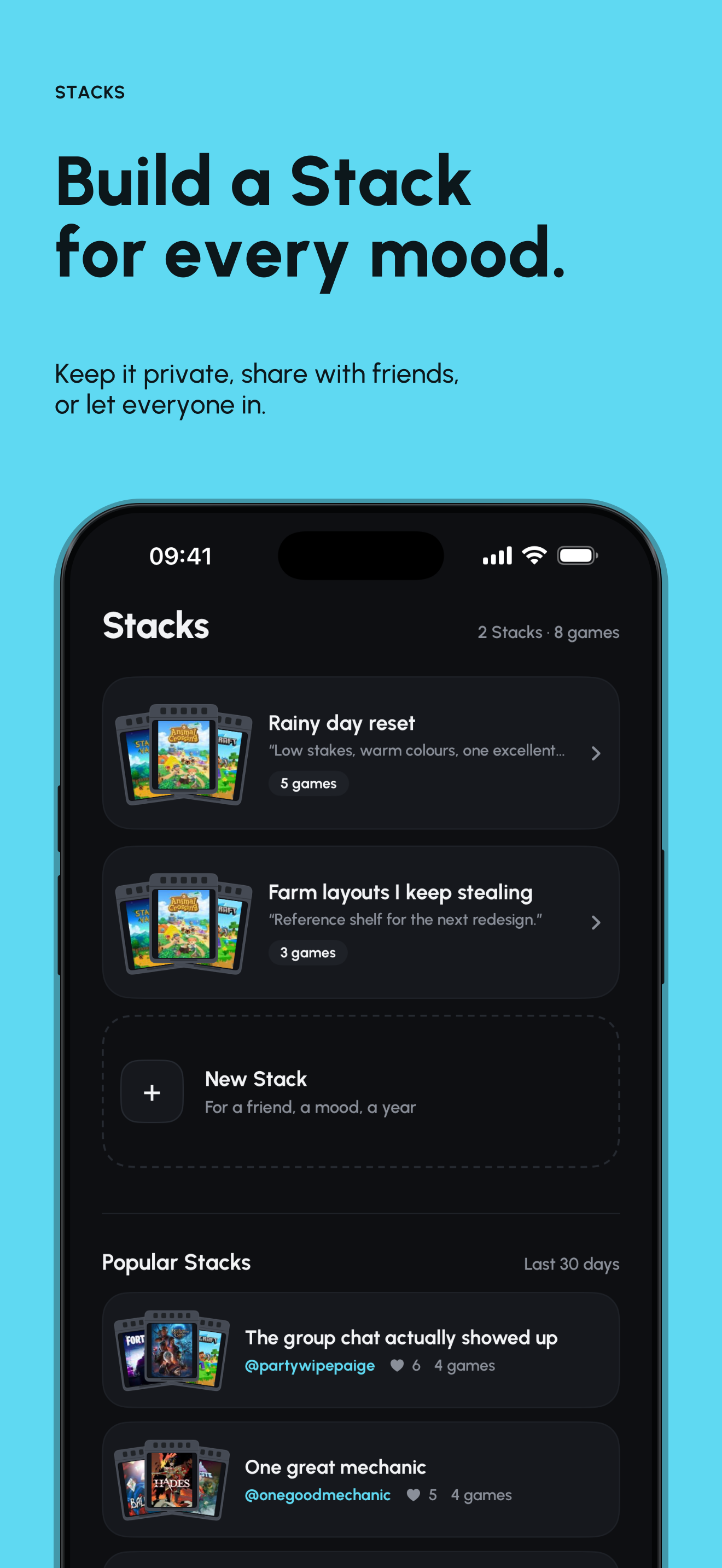
Cartridge requires an account and an iPhone running iOS 26 or later. You can track PC games in it while playing them on your computer.
Sources and editorial note
This guide is published by Cartridge, not an independent review site. Games were selected from their documented activities, not hands-on testing. ‘Cozy’ and the weekend framing are editorial judgments, not difficulty ratings or promises about completion time. We checked developer pages and Windows availability on Steam on 7 October 2026. The Cartridge image is an existing promotional panel with demo Stacks. Cartridge is not affiliated with these games.
- A Short Hike: official game and activities
- A Short Hike: Windows availability on Steam
- TOEM: official photography adventure
- TOEM: Windows availability on Steam
- Unpacking: official game, story and modes
- Unpacking: Windows availability on Steam
- Cartridge: Library, free Stacks and requirements
- Cartridge: official App Store listing