Cartridge guide
Save games from your social feed.
Found a game in a TikTok, YouTube video, Instagram post or Reddit link? Cartridge can help identify it and save it to your backlog. Share the link to Cartridge or paste it into the app, check the match and add the game to your Library. Social link capture is free.
By Cartridge · Updated
What do you need before you start?
Install Cartridge on an iPhone running iOS 26 or later, then open it and sign in or create an account. You need an internet connection for link identification and saving. You do not need a Plus subscription for TikTok, YouTube, Instagram or Reddit links.
How to paste a link directly into Cartridge
- Copy the link from the source app.
- Open Cartridge, tap the add button and choose Link.
- Tap Paste or enter the URL and submit it for identification.
- Check the returned game or games and save the ones you want to your Library.
This is also the fallback if Cartridge does not appear in another app’s share sheet. It uses the same free social-link capture feature.
Which sources are free, and which need Plus?
Saving from a social link is different from scanning a physical box. Social links from the four listed services are free; physical scans and identification from Steam or other supported web links require Plus. You can also search by game title for free.
| Source | Access |
|---|---|
| TikTok | Free |
| YouTube | Free |
| Free | |
| Free | |
| Steam and other supported web links | Cartridge Plus |
| Physical cover and barcode scans | Cartridge Plus |
What if Cartridge cannot identify the game?
A private, deleted, restricted or unclear post may not provide enough accessible information to identify a game. Check that you copied the correct link and that the post is still available. If a result is wrong or no match appears, search for the title in Cartridge instead.
For a post that mentions several games, review the matches rather than assuming every result is one you want. If a supported link repeatedly fails, contact support with the public link and a description of what happened.
What are you saving?
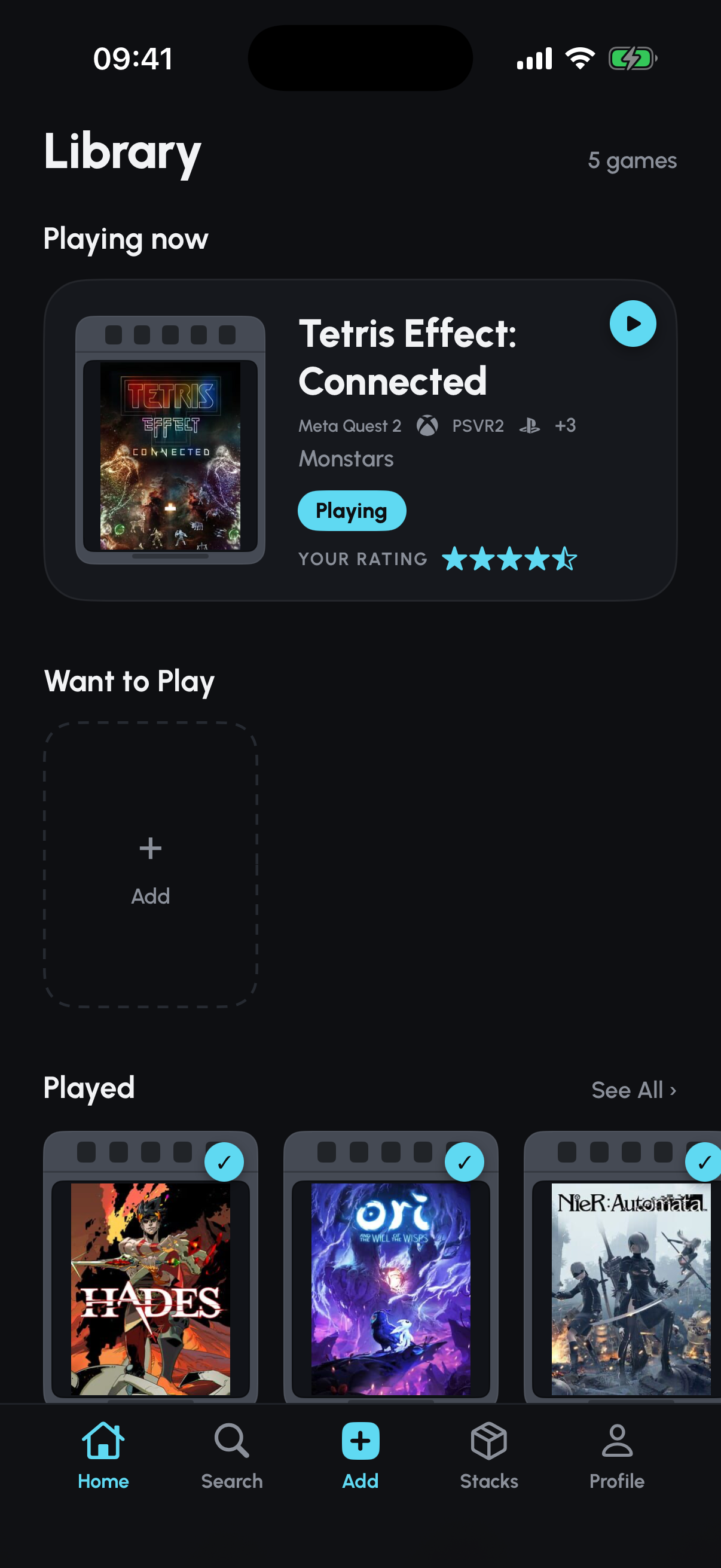
The goal is a game entry in your Library, not a downloaded copy of the game or video. Once you add the game, you can track its status, rate and review it, or include it in a Stack.
Submitted links and relevant linked content may be sent to Google Gemini to help identify games. Read Cartridge’s Privacy Policy for details about capture processing and stored data.