Guides
How to find games like your favourites
To find games like your favourites, start with what you enjoyed doing in them. Write down the activity, what made it satisfying and one thing you would change. Use those notes to search, check the actual gameplay, then save the reason a new game interests you.
By Cartridge · Published · Updated
A guide by Cartridge. Sources and methodology.
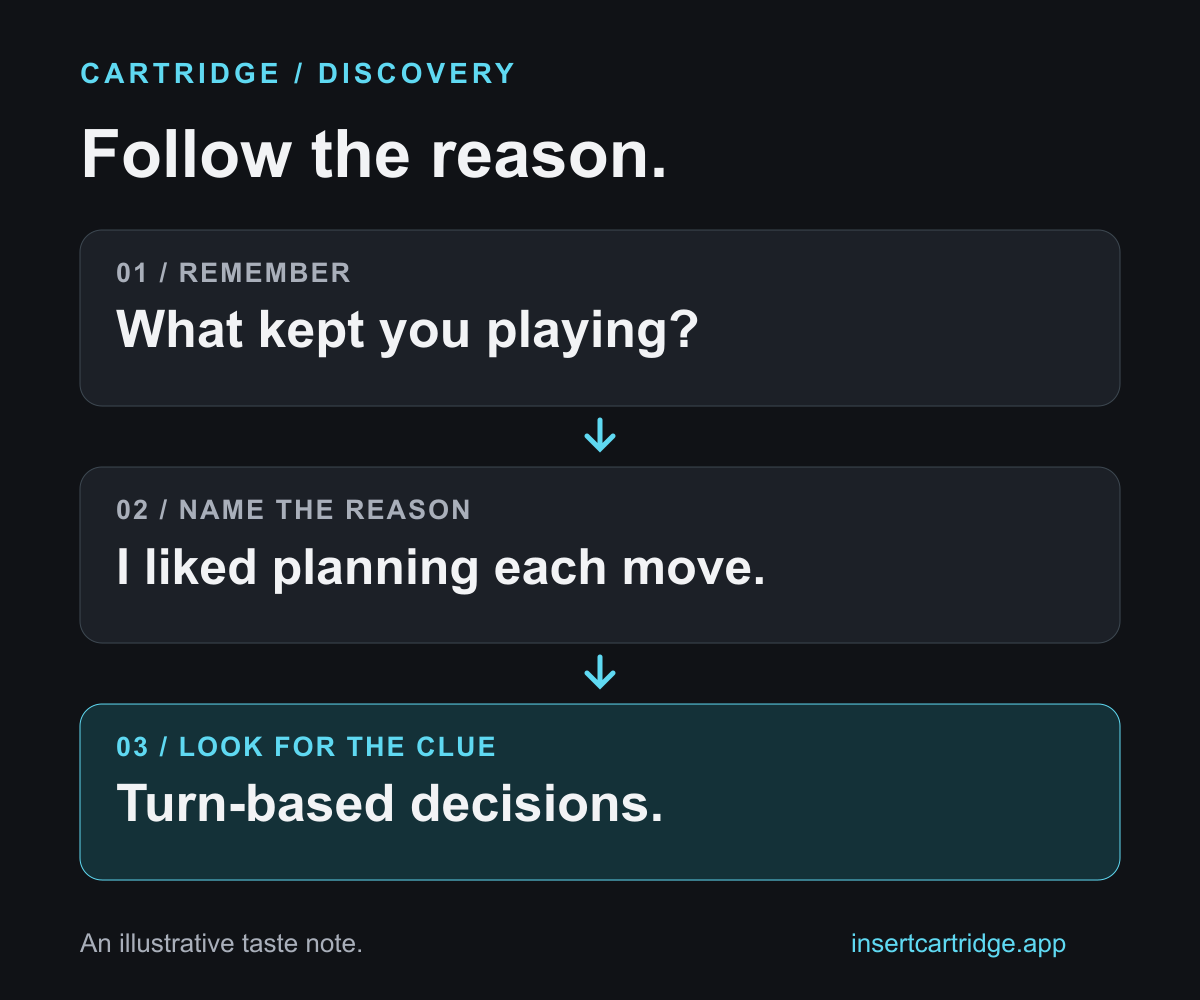
Start with a moment you wanted more of
Pick two games you enjoyed and remember a moment from each. Were you planning a move, following a clue, arranging a space or practising a skill? If you only have one favourite, start there. You are collecting clues about your taste, not trying to describe every game you have played.
Write what you did and why you wanted to keep doing it. “I liked planning a route and watching it work” gives you a more specific question to investigate than “I like adventure games”. A similar-looking world might offer a different activity.
Action
What were you doing?
Name a verb: planning, exploring, arranging, solving or practising. Start with the part you remember enjoying.
Payoff
What made it satisfying?
Was it understanding a pattern, improving a skill or seeing a place change? Keep the explanation in your own words.
Friction
What would you change?
Add one preference for next time: less time pressure, fewer repeated tasks or a different way to play.
Turn the memory into a useful search
Use this worked example, then replace the notes with your own. The right-hand column is a question to verify about a candidate, not a promise that a tag will deliver it.
| Prompt | Example note | What to check next |
|---|---|---|
| I enjoyed… | Planning each move | Does the gameplay give me time to consider decisions? |
| I want less… | Pressure from countdowns | Do timed sections interrupt the planning? |
| I need… | A game for my PC and controller | Does the current listing support my device and input? |
Look for a reason that appears in more than one favourite. If the reasons differ, keep both: you might want thoughtful decisions on one evening and fast reactions on another. You do not need a single permanent “type”.
Use tags to find candidates
If you use Steam, start with its public tag directory. Valve’s documentation explains that some recommendation features use overlapping tags to connect similar games. A tag such as Turn-Based Tactics can be a starting point for a preference about planning moves.
Choose a tag that matches your reason, then inspect the games it leads to. Treat shared tags as clues. Your question is still whether you will enjoy the activity, pace and constraints described on that particular game’s page.
Check what playing the game involves
- Read the developer’s description. Look for the activity from your note, and check how much of the game appears to centre on it.
- Watch a stretch of gameplay with spoiler exposure you are comfortable with. Look for the decisions and repeated actions, not only the setting or visual style.
- Check your must-haves on the current official listing: device, input method and any play modes you need. Verify the version you intend to play.
- If a demo is available, use it to explore your main question. Otherwise, save the candidate with that question still attached instead of treating similarity as certainty.
Give people a reason to recommend something
When asking a friend or a gaming community, include the part of a favourite you want more of and the part you want less of. Add your device and any important restrictions. That gives someone a specific match to explain.
Ask why a suggestion fits. A title alone gives you another search; an explanation gives you something to compare with your notes.
Keep the reasons in Cartridge
Your Library can become a record of what you liked as well as what you played. Cartridge’s Library, ratings, short reviews and unlimited Stacks are free. A Stack is a named collection with your own notes.
- For a game you have played, write a short review naming one activity you enjoyed and one thing you would change.
- Search by title to save promising new games to Want to Play.
- Make a Stack named after the reason, such as “Planning each move”, and add the candidates. Use its notes to explain what you want from the collection.
- After trying a candidate, update its Library status and record whether the match worked for you. Use what you actually experienced to guide the next search.
Cartridge requires an account and an iPhone running iOS 26 or later. It can track PC and console games while you play on those devices.
If you already have several games you want to try, use our backlog guide to choose one for the evening. This worksheet helps you discover candidates; the next decision is when to play them.
Sources and editorial note
This guide is published by Cartridge, not an independent review site. The worksheet, examples and suggested limits are editorial tools, not a validated prediction of which games you will enjoy. Examples are illustrative; no player quote or hands-on game testing is implied. Public player discussions informed the question, not a survey. Steam and Cartridge details were checked against the first-party sources below on 22 October 2026.